

If you’ve been wondering which animation tools to use and why these ten are the best, then keep reading.
Why Animation Skills Matter in 2026: A Complete Guide for Future Creators
By 2026, animation is a staple in all forms of digital communication, storytelling, marketing, gaming, education, and technology products, and the internet will be so visual that animation will be the quickest way to get your point across, hold the attention of your audience, and create an experience.
Another reason that animation skills are valuable in today’s world is that the animation industry has grown significantly. With a global animation market value of $390 billion in 2025, expected to grow to $589.8 billion by 2033, it is clear that there is still a high demand for the skills of animators and other types of creators. The animation industry has expanded to meet the needs of various sectors, including streaming platforms, video games, advertisements, and social media, all of which heavily depend on animation.
Career opportunities are also expanding rapidly. Industry forecasts show that employment for animators and multimedia artists is expected to grow about 16% through 2031, which is faster than many other professions. This demand is especially strong in sectors like gaming, advertising, film production, virtual reality, and digital media.
Animation is no longer limited to entertainment; it powers marketing, education, gaming, and digital experiences.
Learn industry-relevant animation skills with practical training.
What Makes a Good Animation Tools for Beginners
Easy and Beginner-Friendly Interface
What beginners need is an entry-level platform. Most animation software is very heavy on features, and this is what makes it for professionals only. The entry-level platform needs to be streamlined to a basic set of features and have an interface to match.
Frame-by-Frame Animation Support
One of the core fundamentals of animation is frame-by-frame animation. This technique works by drawing or creating a sequence of images that change slightly from one frame to the next. When these images play quickly, they create the illusion of motion.
Onion Skinning Feature
Onion skinning is another very important feature for animators. It allows the animator to see the preceding and following frames when drawing the current frame. This allows for smoother animation as it can help to avoid irregular movements or character misplacement. Onion Skinning can be used for a wide variety of applications.
Timeline and Keyframe Control
A timeline is a feature available in some applications allowing the animation creator to view the flow of individual frames and layers over time. While viewing the time in which the animation progresses the creator is able to alter the time in which the movements of specific animations happen.
Layer Support
Layers allow animators to separate different elements of their animation. For example:
- One layer for the background
- One layer for the character
- Another layer for effects
This makes editing much easier because you can adjust one part of the animation without affecting everything else. Layers are especially useful when animations become more complex.
Experience hands-on animation learning through a demo class.
Quick Comparison of the Best Animation Tools
| Tool | Type | Best for | Price |
| Blender | 2D & 3D | Professional animation | FREE |
| Autodesk Maya | 2D & 3D | Professional 3D rigging | PAID |
| Adobe Animate | 2D | Cartoon & web animation | PAID |
| Toon Boom Harmony | 2D | Studio production | PAID |
| Krita | 2D | Drawing animation | FREE |
| Pencil2D | 2D | Beginners learning basics | FREE |
| OpenToonz | 2D | Studio-style animation | FREE |
| Animaker | Ai 2D | Marketing videos | FREE |
| FlipaClip | 2D | Simple animations | FREE |
| Synfig Studio | 2D | Automated animation | FREE |
With so many tools available, structured guidance helps you learn faster and better. Explore professional animation training designed for beginners and future creators
Check Out Animation Courses [Click Here]
10 Best Animation Tools for Beginners in 2026
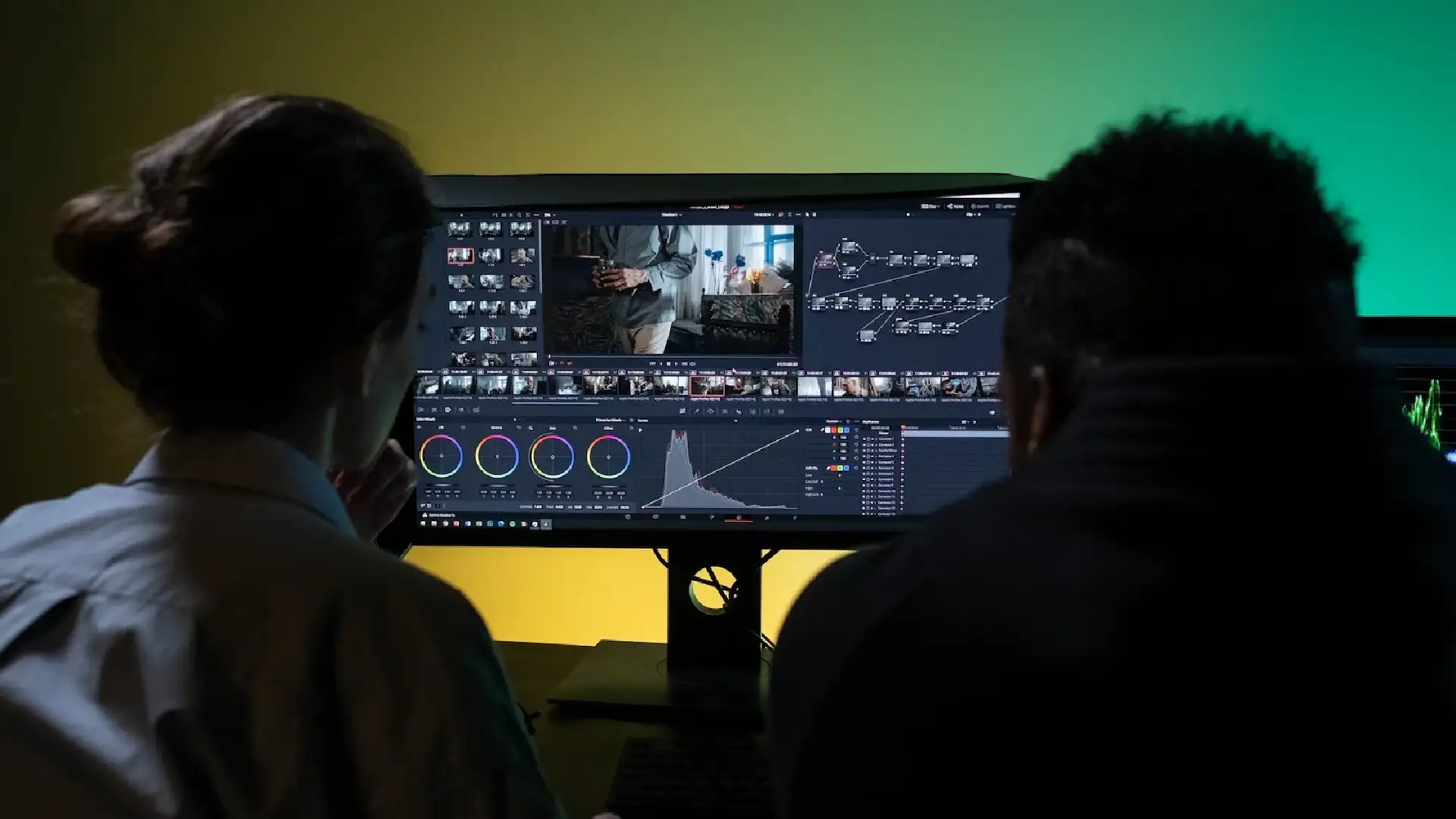
1. Blender – Best Free Animation Software
Yes! Blender is free open-source software that supports the creation of 3D animation, 3D modeling, and visual effects as well as 2D animation using the Grease Pencil tool.
Key Features
2D animation support
Physics simulations and rendering
Full 3D animation pipeline
Pros
✔ Completely free
✔ Professional features
Cons
✖ Steep learning curve
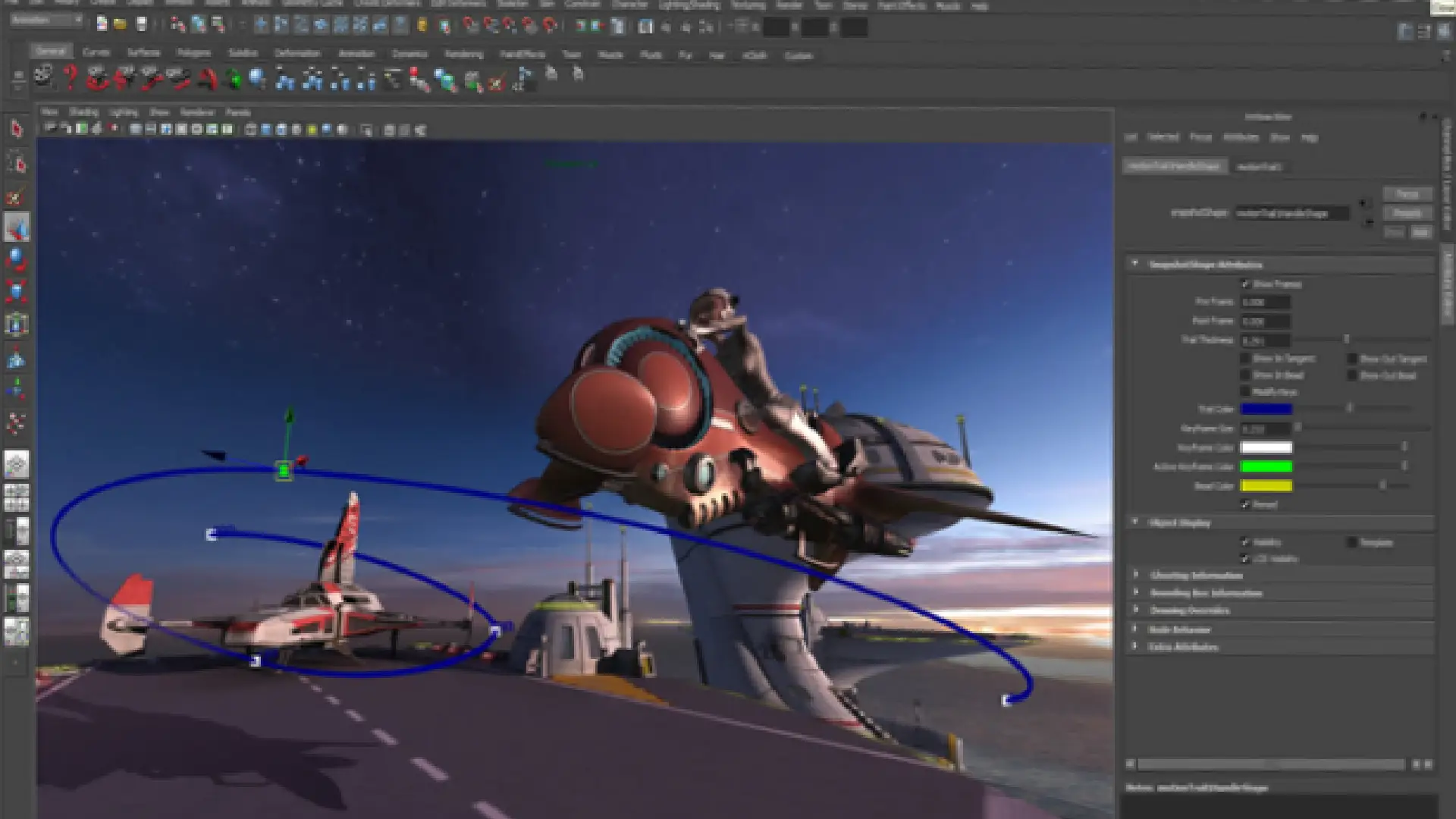
2. Autodesk Maya – Industry-Standard Animation Software
Yes! Maya is a professional 3D animation, modeling, simulation, and rendering software widely used in films, TV, and game development.
Key Features
Full 3D animation and rigging tools
Advanced character animation system
High-end rendering with Arnold
Dynamics, simulations, and visual effects
Pros
✔ Industry-standard software
✔ Powerful animation and rigging tools
✔ Widely used in films and AAA games
Cons
✖ Expensive subscription
✖ Requires high-performance hardware
✖ Steep learning curve for beginners
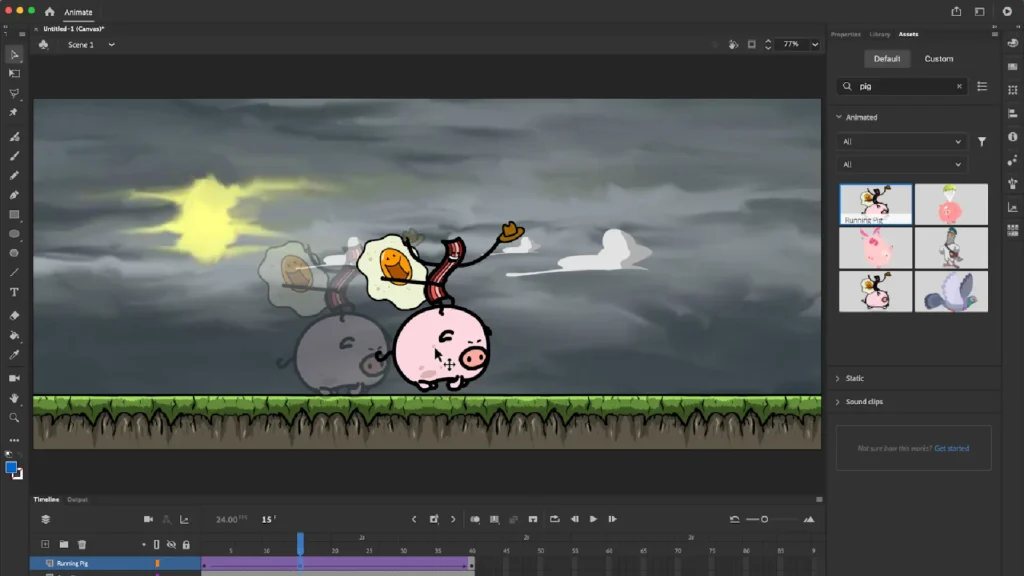
3. Adobe Animate – Best for 2D Animation
I use Adobe Animate to create cartoons, web animations, and interactive media. Keyframe animation is its basis. And it is very friendly with other applications from Adobe.
Best for
Cartoon animation
YouTube animations
Interactive web content
4. Toon Boom Harmony – Industry Standard
Many TV production studios and animation movie studios use Toon Boom Harmony for their animation productions.
Key Features
Advanced character rigging
Professional animation pipeline
Visual effects tools
Best for
Students who want to work in animation studios.
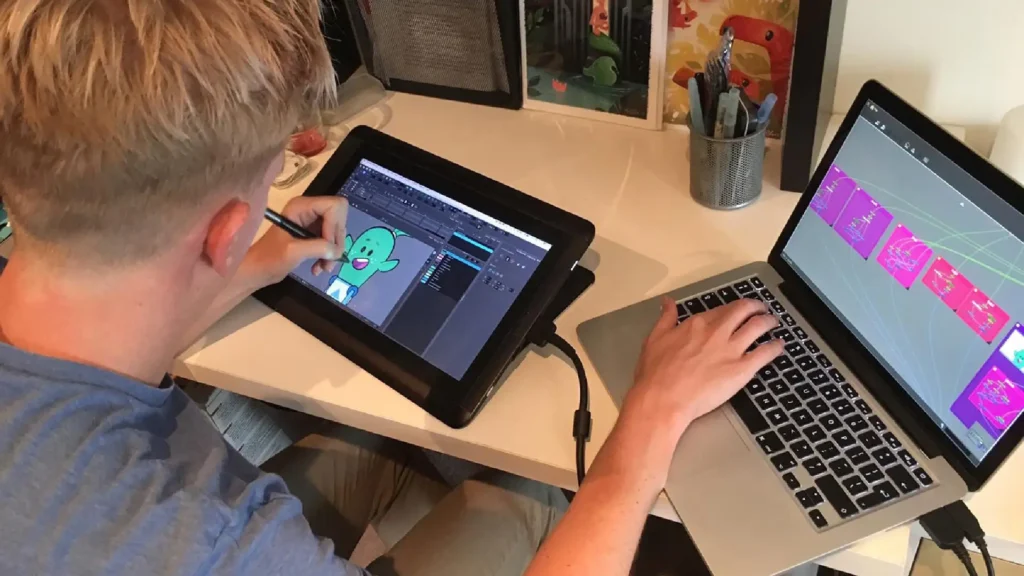
5. Krita – Best Free Drawing Animation Tool
Krita is usually used for digital painting, but it is also fully capable of doing frame-by-frame animation.
Why beginners like it
Great drawing brushes
Simple timeline animation
Completely free
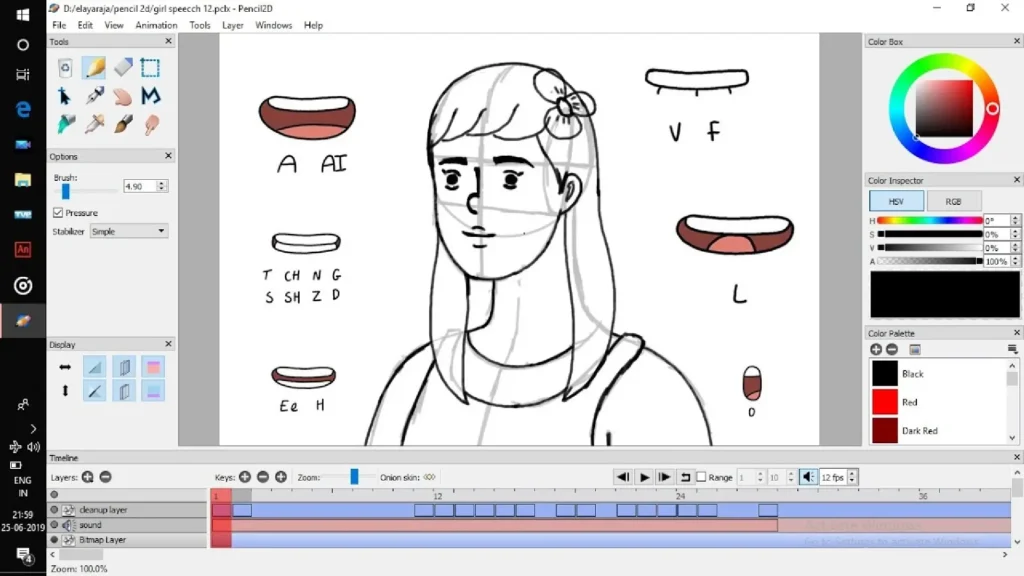
6. Pencil2D – Best for Learning Basics
Pencil2D focuses on simple hand-drawn animation workflows with a clean interface
Key Features
Lightweight design
Raster and vector support
Cross-platform compatibility
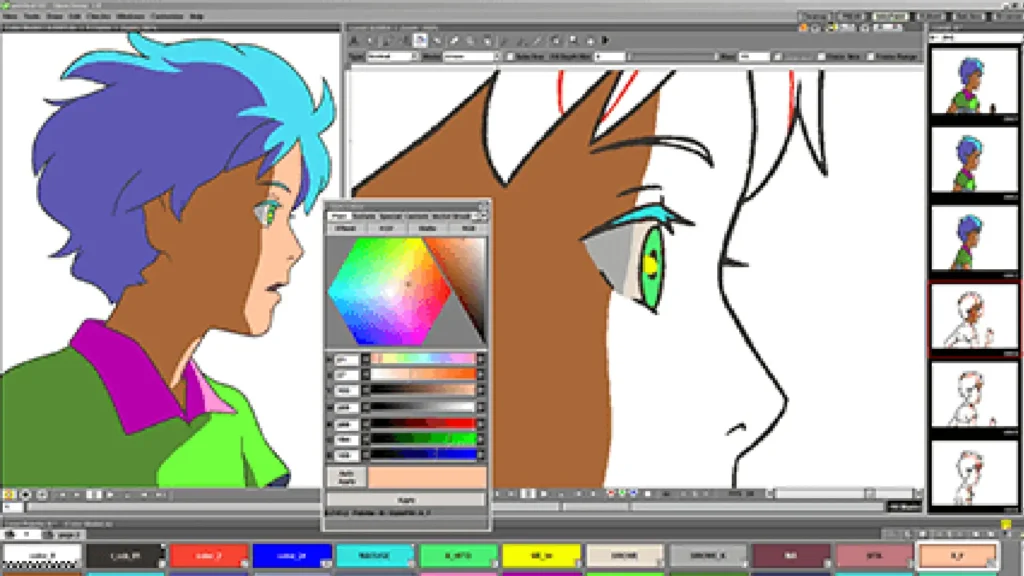
7. OpenToonz – Professional Free Tool
OpenToonz is a free, open-source animation software program for Mac, Windows, and Linux, which is used by animation studios that include Studio Ghibli.
Best for
Frame-by-frame animation
Studio-style production
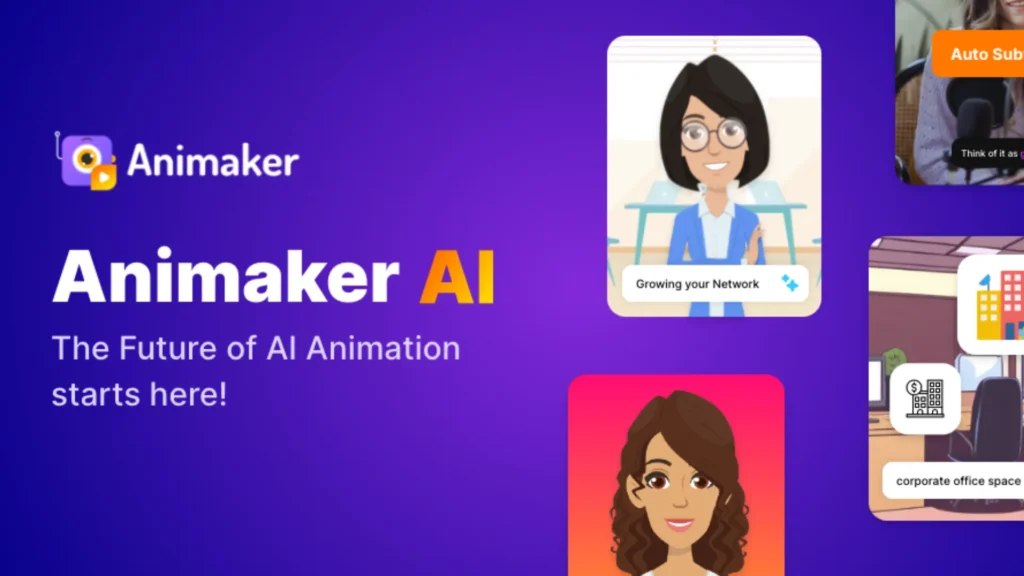
8. Animaker – Best Online Animation Platform
Animaker is a cloud-based animation software that allows you to create amazing marketing videos, explainer videos, and social media content.
Key Features
Drag-and-drop animation
Pre-made characters
Voiceover support
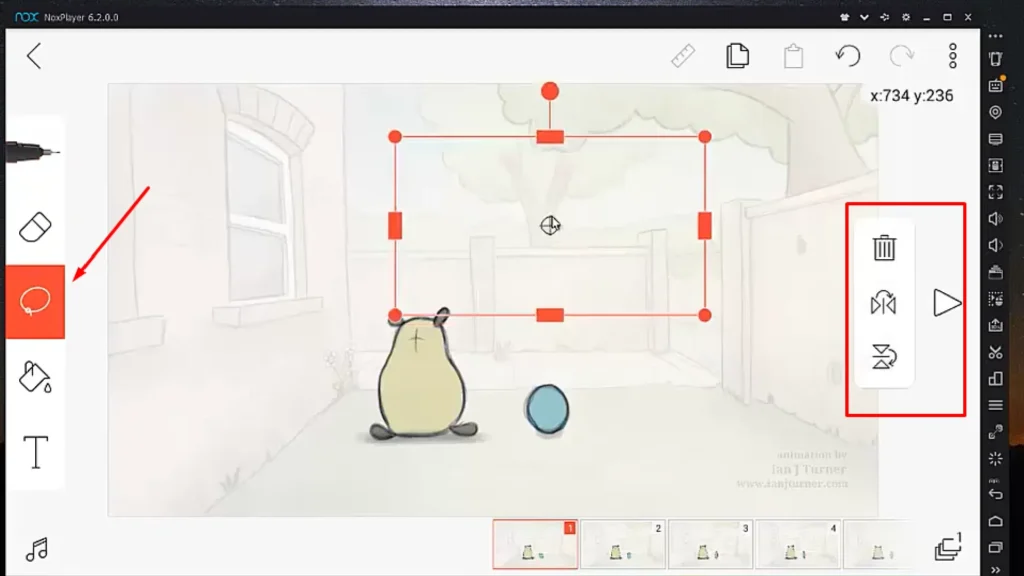
9. FlipaClip – Best Mobile Animation App
FlipaClip allows quick creation of animations by using a set of handy drawing tools on your phone or tablet.
Why it’s popular
Easy frame-by-frame animation
Mobile-friendly
Great for social media creators
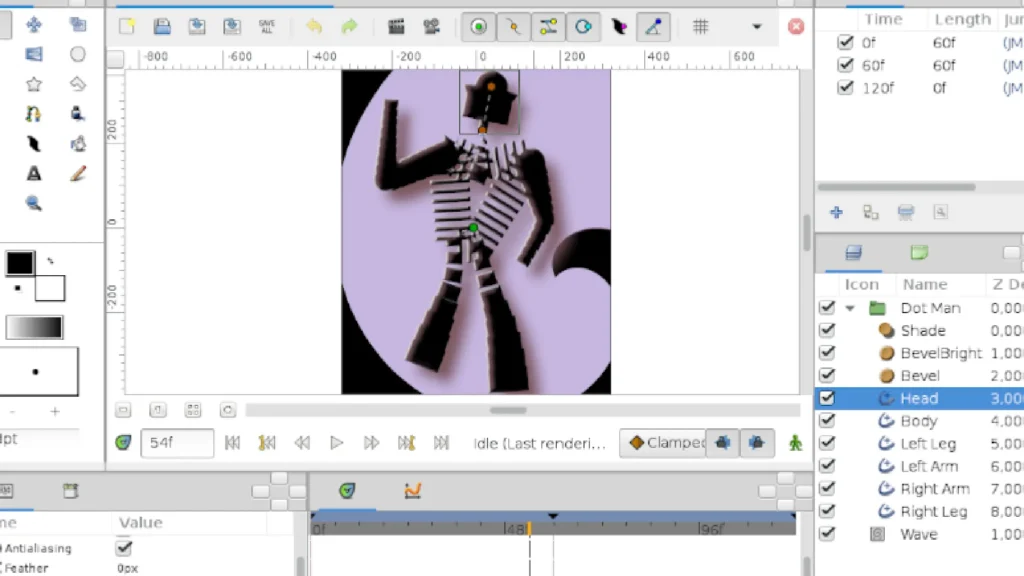
10. Synfig Studio – Best for Automatic Animation
The primary application for making animated movies is Synfig Studio. It utilizes vector animation and features of automatic tweening, which can greatly reduce the work that needs to be done by requiring the animator to draw less than the total number of frames in the movie.
Best for
Cut-out animation
Efficient animation workflows
How to Choose the Right Animation Tools
1. Your Skill Level
Start simple. If this is your first time drawing digitally, then I would recommend using Pencil2D or FlipaClip because they are super easy to use! Advanced programs are a lot more complicated than regular art apps.
2. Type of Animation
Pick based on what you want to create:
Cartoons → 2D tools
Games/films → 3D tools
Social media → Online tools
3. Ease of Use
Good beginner software should be very easy to understand and not difficult to use. If it is confusing in any way, it is probably not a good choice to introduce someone to the world of software
4. Your Device
Low-end laptop → Light tools
High-end PC → Heavy tools like Blender
Mobile → Apps like FlipaClip
5. Budget
You don’t need to spend money:
Free tools are enough to start
Paid tools are useful later for advanced work
6. Key Features to Look For
Frame-by-frame animation (each frame drawn separately)
Onion skinning (see previous frames for smooth motion)
Timeline (controls speed and timing)
Choosing the right tool becomes easier when you understand your career direction. Get guidance on animation tools, skills, and career paths. [Choose from these courses]
Final Thoughts
Animation is easier to start than ever today, with powerful tools available for free and on almost any device. But remember, software is just a tool. What really matters is your creativity, consistency, and understanding of animation basics. Start small, practice regularly, and focus on fundamentals like timing and motion. Over time, you can switch tools and grow, but the skills you build will stay with you.